🎬
Live Translation v2.2 NEW
Real-time floating subtitles for any audio playing on your Mac — meetings, videos, podcasts, and more. Your Mac listens to system audio and displays translated captions in a Netflix-style overlay — powered by Apple SpeechAnalyzer + Translation. Fully on-device, no API keys, no cloud. Watch English talks with Japanese subtitles, follow Chinese news in English, and more across 10+ languages.
Note: Live Translation requires macOS 26 Tahoe or later (not available on macOS 14 Sonoma / 15 Sequoia). All other features work on macOS 14+.
🌐
Full English Support v2.1 NEW
Complete English UI, voice commands, voice search, AI commands, and presets. Say “new line,” “new paragraph,” “Search for ...” — English-tuned prompts and auto-switching based on your system language. Zero impact on Japanese users.
✨
Apple SpeechAnalyzer v2.0 NEW
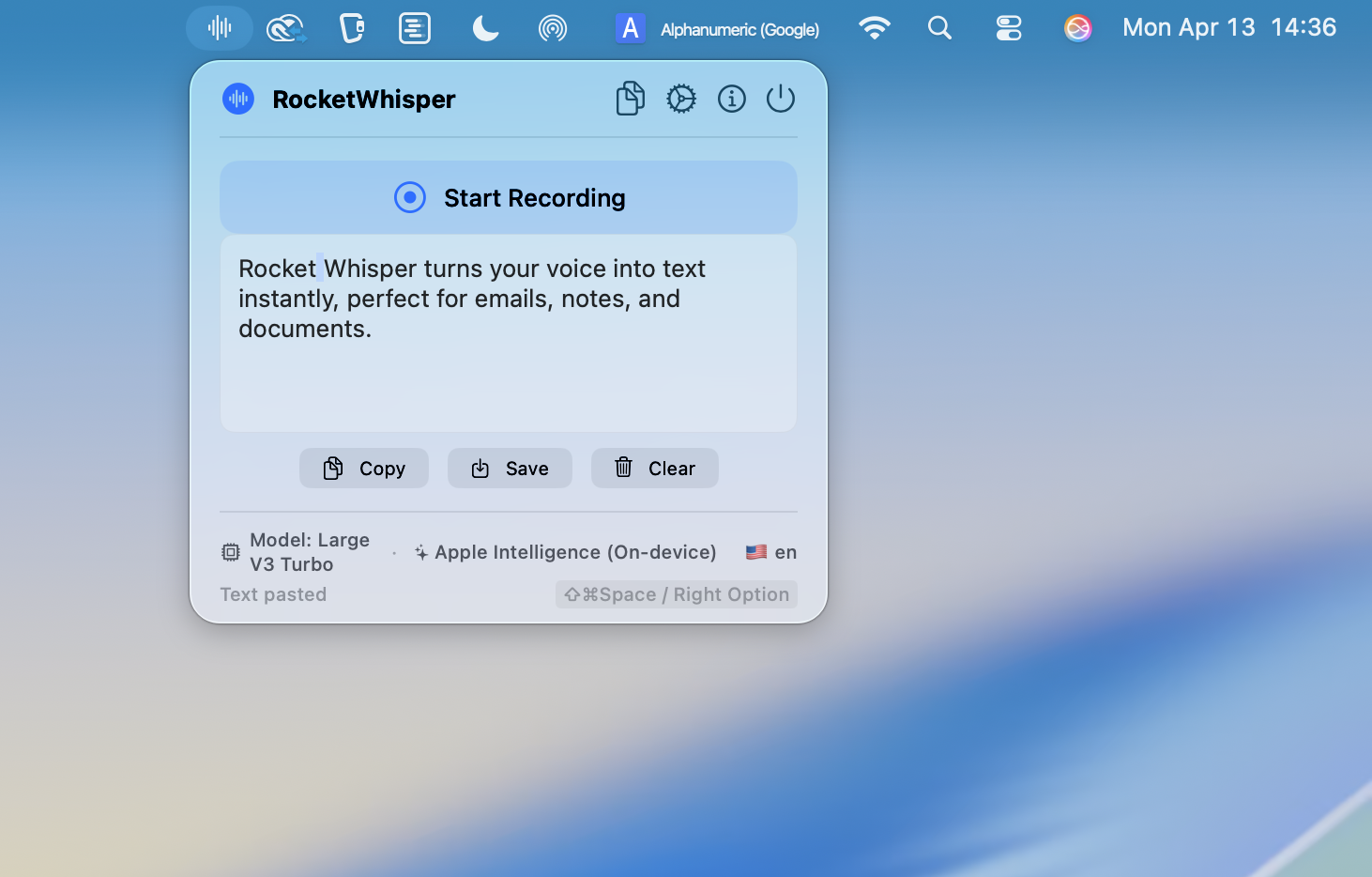
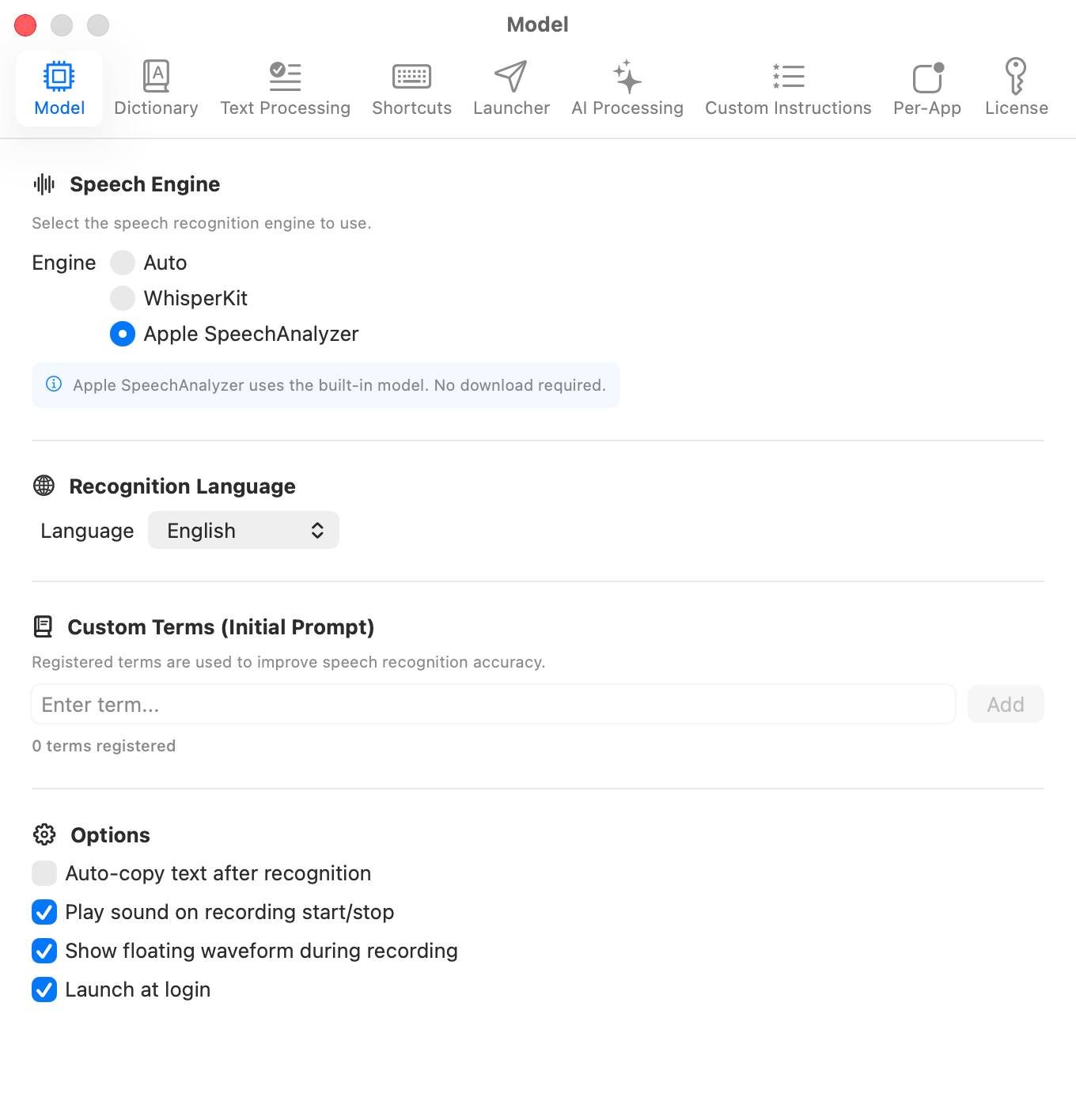
Native Apple speech recognition on macOS 26. No model download needed, 2x faster than WhisperKit. Switch with one click in Settings. WhisperKit still available on macOS 14-15.
🤖
Apple Intelligence LLM v2.0 NEW
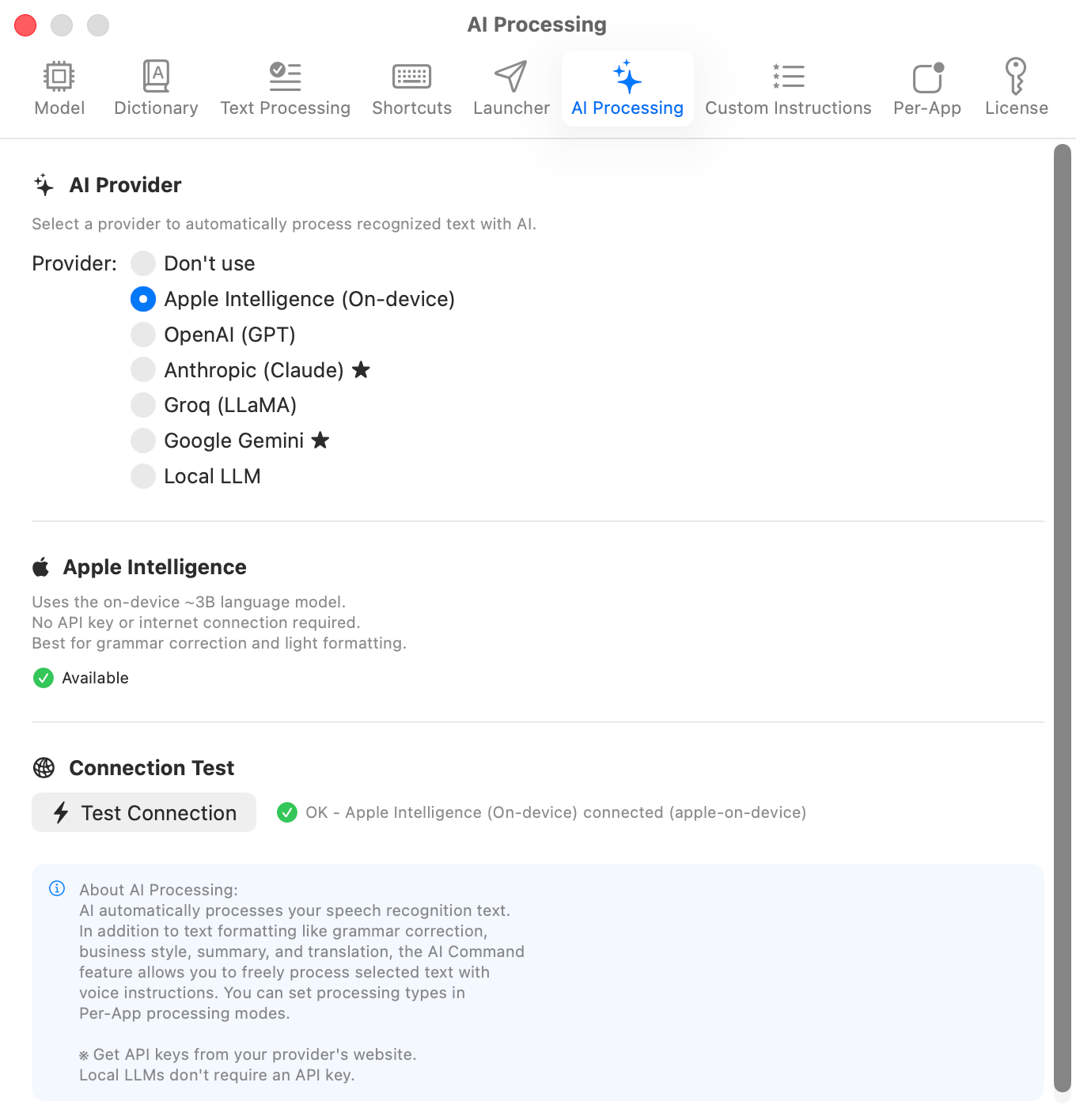
On-device ~3B Foundation Models on macOS 26. No API keys, no internet — AI text formatting works completely offline. Best for grammar fixes and light formatting. Cloud APIs also available for advanced tasks.
🎤
High-Accuracy Recognition
High-accuracy recognition powered by Neural Engine and CoreML. Choose from 4 WhisperKit models + Apple SpeechAnalyzer.
🔒
Fully Offline
All speech recognition is processed on-device. No internet required. Safely transcribe confidential information.
⌨
Global Shortcut
Default ⌥Space starts voice input from any app. Customizable. Right Option key also supported.
📚
Word Dictionary Exclusive
Register technical terms, company names, personal names, and acronyms to dramatically improve recognition. Not available in macOS built-in dictation.
✨
AI Text Formatting
Supports 6 providers: Apple Intelligence, OpenAI, Claude, Gemini, Groq, and Local LLM. Apple Intelligence requires no API key. Grammar correction, business style, summarization, translation auto-processed.
🤖
AI Commands
Select text, press ⌃⇧Space, and give voice instructions. "Make formal", "Translate to English", "Summarize" - AI instantly edits selected text.
💡
Custom Instructions NEW
Pre-assign AI processing to dedicated shortcuts. Press shortcut → speak → press again for instant translation, summarization, grammar fix and more. 4 presets included, up to 20 custom instructions.
🔍
Voice Search
"Search for...", "What is...", "Look up..." - 10 voice command patterns instantly trigger Google search.
🚀
Voice Launcher
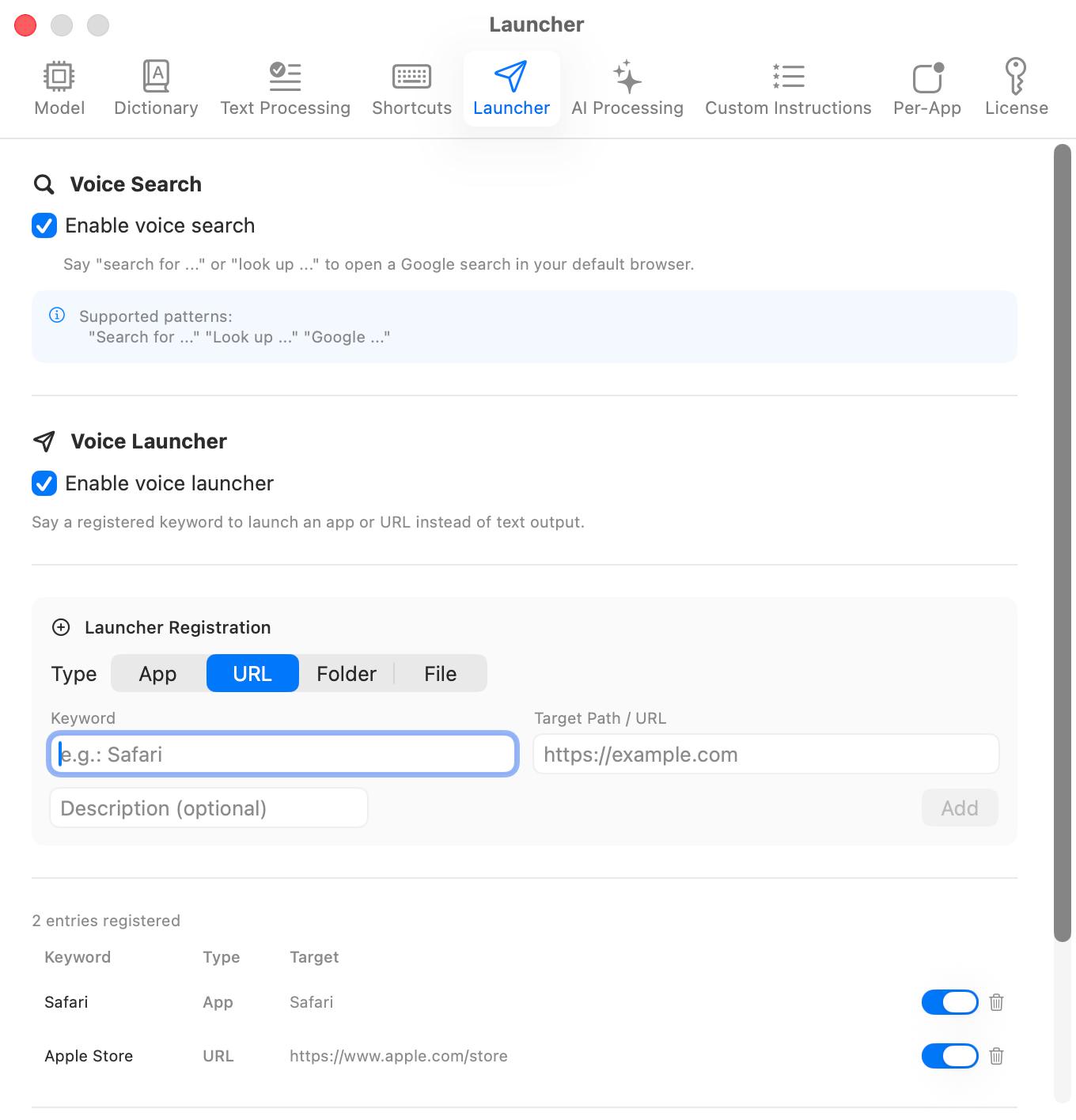
Launch apps or open URLs by voice. Say a keyword to instantly access your favorite tools.
💻
App-Specific Modes
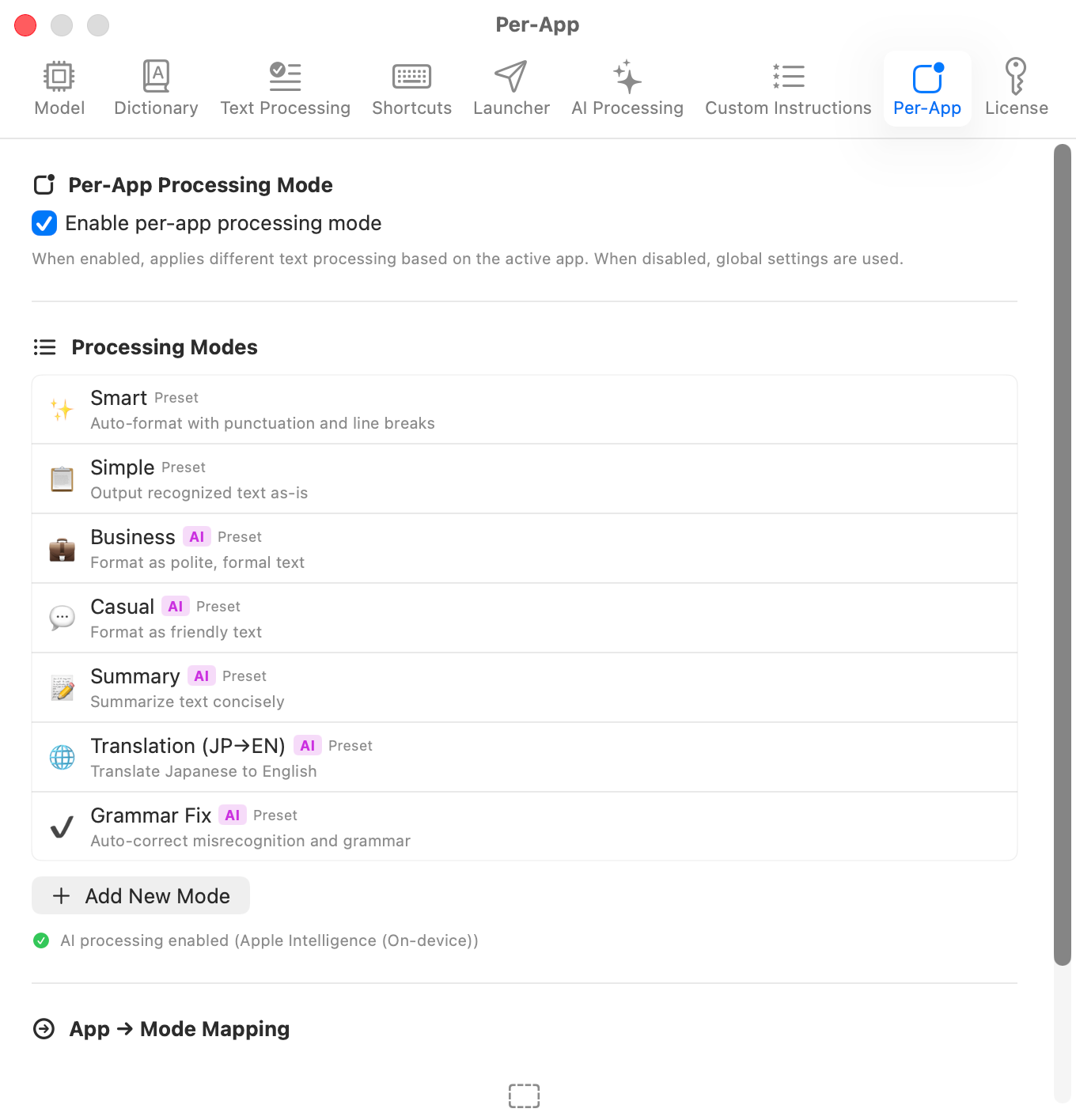
Automatically apply different processing settings per app. Punctuation for editors, casual style for chat.
💬
Voice Commands
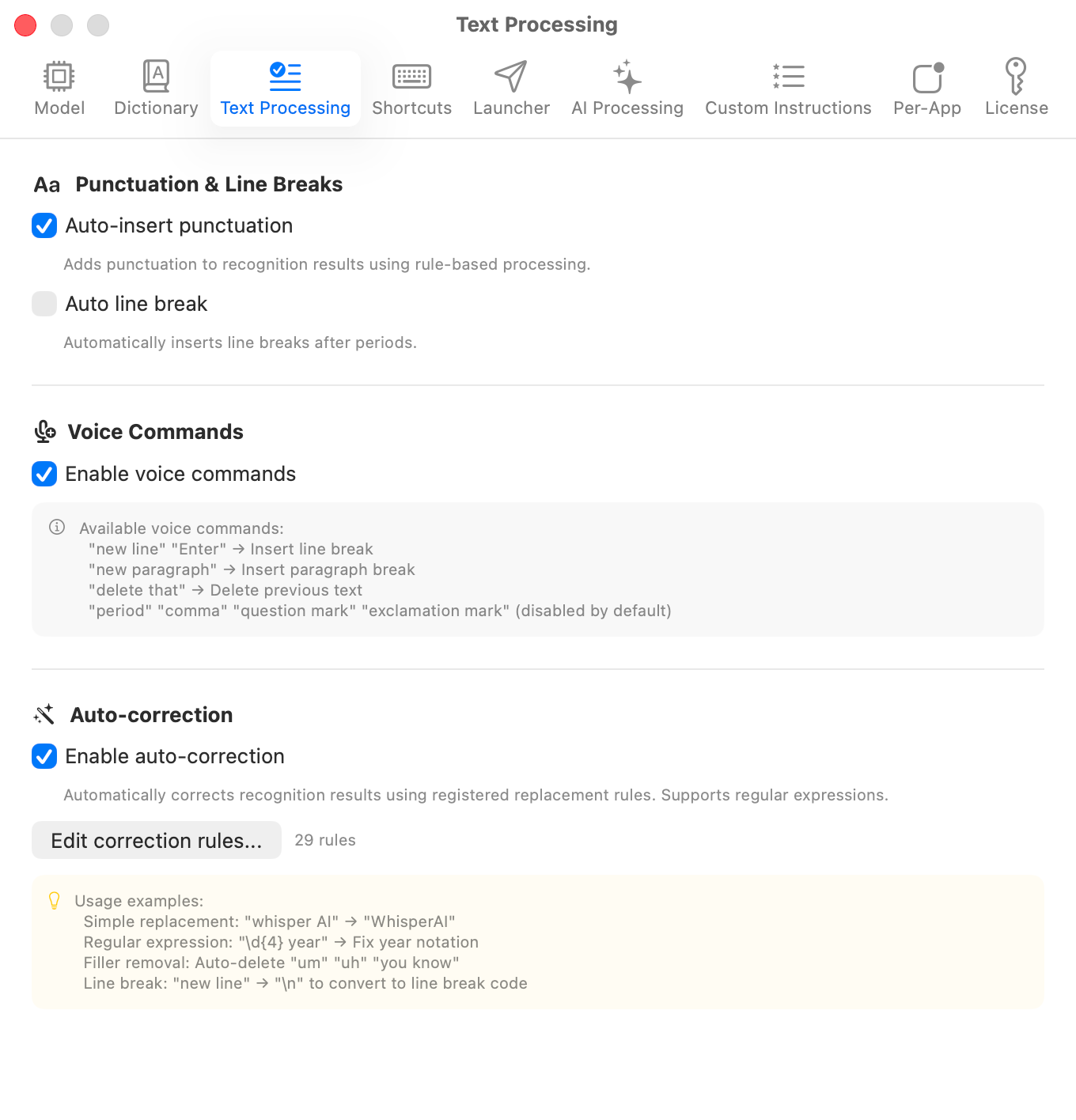
Edit text hands-free with voice commands like "new line", "paragraph", "delete". 7 built-in commands.
✎
Auto Punctuation
7-stage punctuation rules optimized for natural text output, automatically inserting commas, periods, and question marks.
🛠
Auto-Correction Rules
Regex-supported correction rules for automatic misrecognition fixes. 27 hallucination filters built-in.
🎶
Floating Waveform Indicator NEW
Mini equalizer-style waveform bar during recording. Draggable, always-on-top for visual confirmation.
⏬
Right Option Hold Mode NEW
Record while holding Right Option, auto-stop on release. Push-to-Talk style for intuitive voice input.
🌐
Fn Key Push-to-Talk NEW
Push-to-Talk with Fn key (🌐). Double-tap to toggle continuous recording. Same feel as Wispr Flow or macOS Dictation.
📂
Batch Processing
Batch transcribe multiple audio files. Drag & drop to add, export as TXT, SRT, or VTT format.